



Swipe2PlaySwipe2PlayDownload

The complete offline games guide

Offline games that make every swipe a new challenge

Reviewed June 22, 2026Official Swipe2Play guideEnglish · US

Swipe2Play is an offline-friendly mini-game app for iPhone and Android. Download the app and its game content before you disconnect, then move between quick arcade, reflex, sports, driving, and brain challenges without searching for another app.

Get Swipe2Play on Google PlayDownload Swipe2Play on the App Store
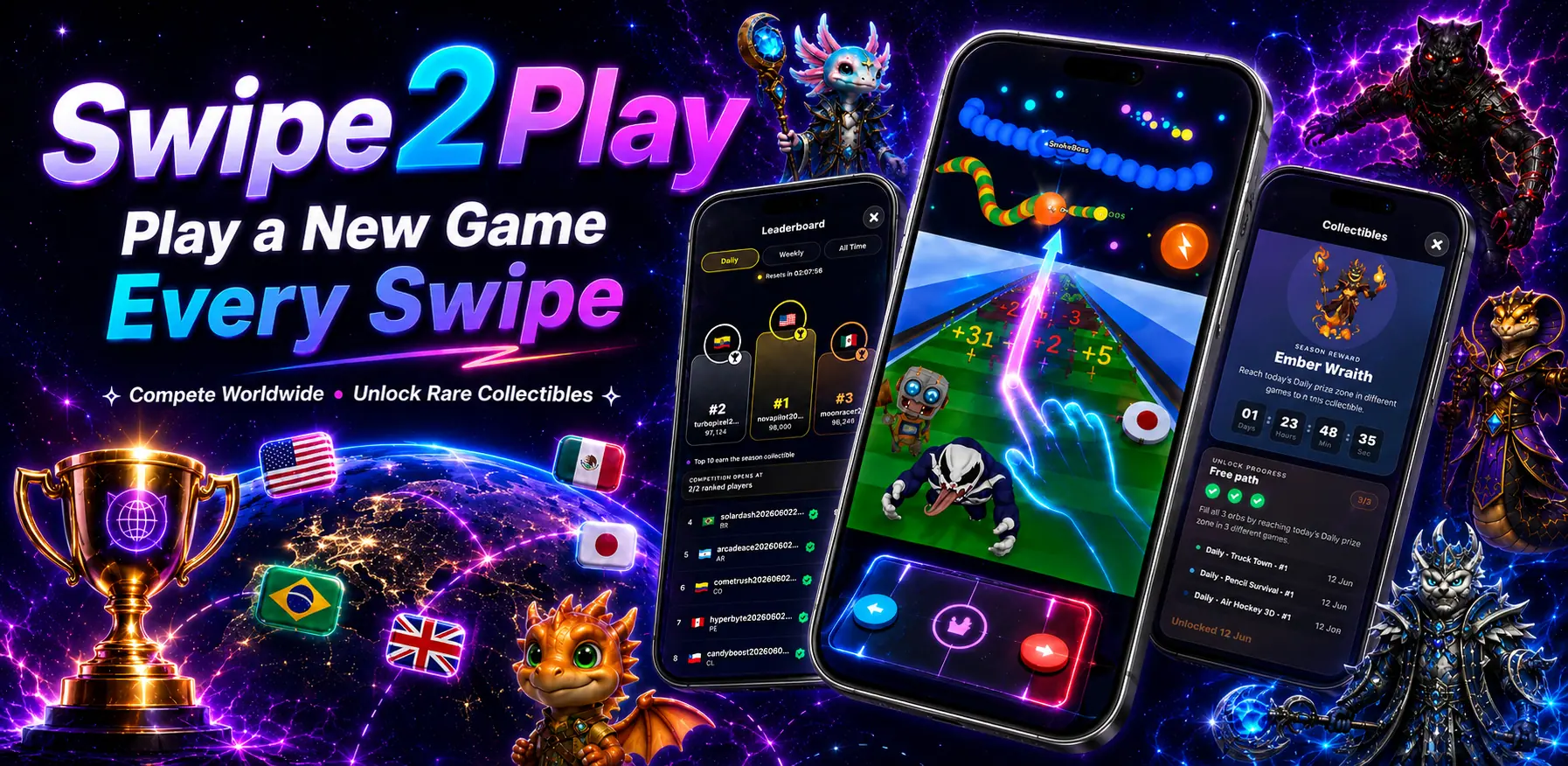
Swipe2Play offline mini-games, worldwide leaderboard, and collectible screens
Swipe2Play mascot

Quick answer

Core downloaded mini-games are designed for offline play. Connected features—including worldwide leaderboards, account sync, purchases, advertising, and collectible verification—still need internet. That distinction matters: offline gameplay should never be confused with every feature being available offline.
What works offline?

A precise feature-by-feature answer

“Offline” describes the downloaded game sessions—not every service attached to the app. Here is the boundary in plain English.

Downloaded mini-games

Designed for offline play

Open downloaded games without an active Wi-Fi or cellular connection.

Leaderboards

Internet required

Scores and worldwide rankings need a connection to sync.

Accounts and purchases

Internet required

Sign-in, restore purchases, and subscription changes use online services.

Weekly collectibles

Connection required to sync

Progress and reward eligibility are verified online.

01

What counts as a genuinely offline game?

An offline game should launch and provide meaningful gameplay after the required app and game files are already on the device. It should not stop at a loading screen simply because Wi-Fi or mobile data disappeared.

Some extras can reasonably stay online. Global rankings need a server, purchases must be confirmed by an app store, and account progress needs somewhere to sync. A useful offline-games page should name those limits instead of hiding them behind a broad “works offline” claim.

  • Download the app and open each game once before a trip.
  • Test with airplane mode before depending on a game during travel.
  • Expect leaderboards, purchases, account sync, and live rewards to reconnect later.
  • Keep enough free storage for all game assets and future updates.
02

Why use one offline mini-game collection?

A collection reduces the friction of choosing what to play. A two-minute reaction challenge fits a queue; a longer Worm Arena run fits a flight; Math Quiz can turn a short pause into a mental reset. The benefit is not a giant number on an icon—it is having different kinds of play ready when your mood changes.

Swipe2Play organizes that variety as a vertical game reel. Instead of returning to a menu after every round, you can move toward another challenge with the same gesture used to browse short-form content.

03

Offline does not have to mean isolated

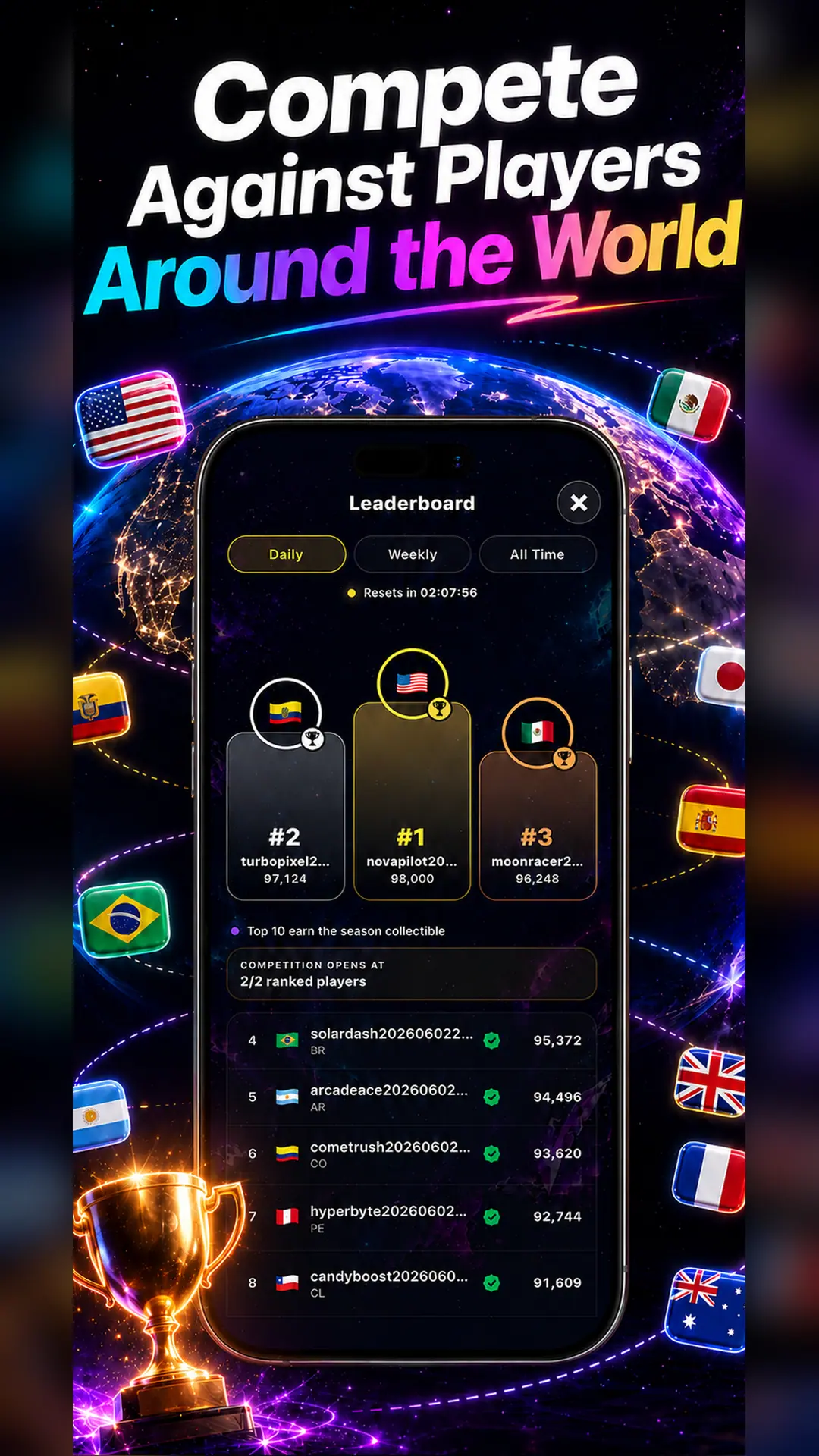
Play can happen offline while competition reconnects later. Swipe2Play adds daily, weekly, and all-time leaderboards when a connection is available. Weekly collectible goals give scores a purpose beyond one round, while the downloaded games remain useful when the signal drops.

This hybrid model works best when expectations are clear: play offline, then reconnect for global competition, account features, and verified rewards.

Swipe2Play worldwide leaderboard on iPhone

Inside Swipe2Play

Nine published games, nine different reasons to keep playing

This is the current published collection represented by the website. We count distinct game experiences—not levels, attempts, or a marketing number.

Truck Town

Driving and obstacle timing

Best for fast reaction runs.

Pencil Survival

Reflex survival

Best for short, high-pressure sessions.

Air Hockey 3D

Arcade sports

Best for quick score chasing.

Sprint Rivals

Runner

Best for speed and timing.

Space Signal

Space arcade

Best for focus and precision.

Math Quiz

Educational challenge

Best for mental warmups.

Color Switch

Color and timing

Best for one-more-try rounds.

Worm Arena

Arena survival

Best for longer competitive runs.

Penguin Balance

Balance and reaction

Best for light, playful sessions.

See the game reel

A new mini-game is one swipe away

Watch how Swipe2Play moves from discovery to play. The video supports the explanation; every important fact on this page remains available as text for people, search engines, and assistive technology.

Watch on YouTube

Direct answers

Frequently asked questions

Can I play Swipe2Play without Wi-Fi?+

Yes. Downloaded mini-games are designed for offline play. Leaderboards, account sync, purchases, ads, and collectible verification require an internet connection.

Is Swipe2Play free to download?+

Yes. Swipe2Play is free to download and play, with advertising-supported access and an optional Premium subscription for benefits such as no ads and faster collectible progress.

Which devices support Swipe2Play?+

Swipe2Play is available for iPhone and Android phones, with layouts that also work on supported tablets.

Do offline scores appear on the leaderboard immediately?+

No. Worldwide leaderboards are online features, so a connection is needed to submit, verify, and display ranking data.

Download once. Keep a game ready.

Put a new challenge one swipe away

Get Swipe2Play for iPhone or Android. Prepare your games while connected, then play downloaded mini-games when Wi-Fi disappears.

Get Swipe2Play on Google PlayDownload Swipe2Play on the App Store